


DuoSpin Casino App
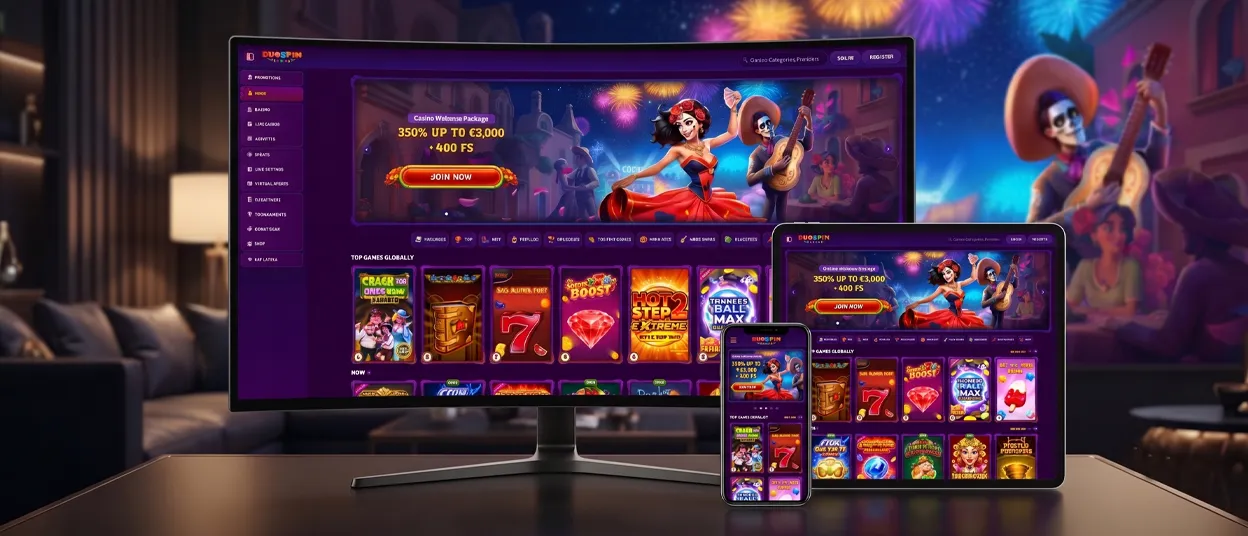
DuoSpin Casino runs on any phone or desktop browser, and we keep every version tied to the same account. Our platform works as a Progressive Web App, so you get it straight from your mobile browser — no store listing, no separate download page. Add the Duo Spin icon to your home screen once, and we open the casino the way any installed app would.



DuoSpin Mobile Casino
On mobile, the layout narrows to a single-column lobby, and menus collapse into a slide-out panel so game categories stay one tap away. Games load with the same reels, tables, and live dealers you’d find on desktop — only the navigation changes to fit a smaller screen. Loading a title from Top Slots or Live Casino takes the same number of taps whether you’re on a 6-inch screen or a laptop. Switching between a phone and a desktop mid-session doesn’t cost you anything: balance, bonus progress, and Bonus Crab rewards carry over automatically because everything runs against the same account.
| Parameter | Detail |
|---|---|
| Distribution | Progressive Web App (PWA), installed from the browser |
| Platforms | Android, iOS, Windows, macOS |
| Installation | Add to Home Screen prompt |
| Storage used | Minimal — no large file saved to the device |
| Updates | Automatic in the background |
| Game library | Full catalog, including Live Casino and Jackpots |
Mobile Application for Android
Open our website in Chrome or whichever browser you have installed, tap the browser menu, and select Add to Home Screen. The Duo Spin Casino icon then appears alongside other apps, and tapping it launches our casino in full-screen mode — no address bar, no tabs, just the lobby. This is a browser-based shortcut, and it behaves the same way every time: tap the icon, land straight in the game library, pick up where the last session left off.
DuoSpin APK
DuoSpin doesn’t distribute an APK file. The PWA shortcut replaces it entirely — no manual installation, no unknown-sources permission, no separate update process to manage. Every update to the Duo Spin app applies automatically the next time it opens, so the shortcut always points to the current version without any action from the player.
Mobile Application for iOS
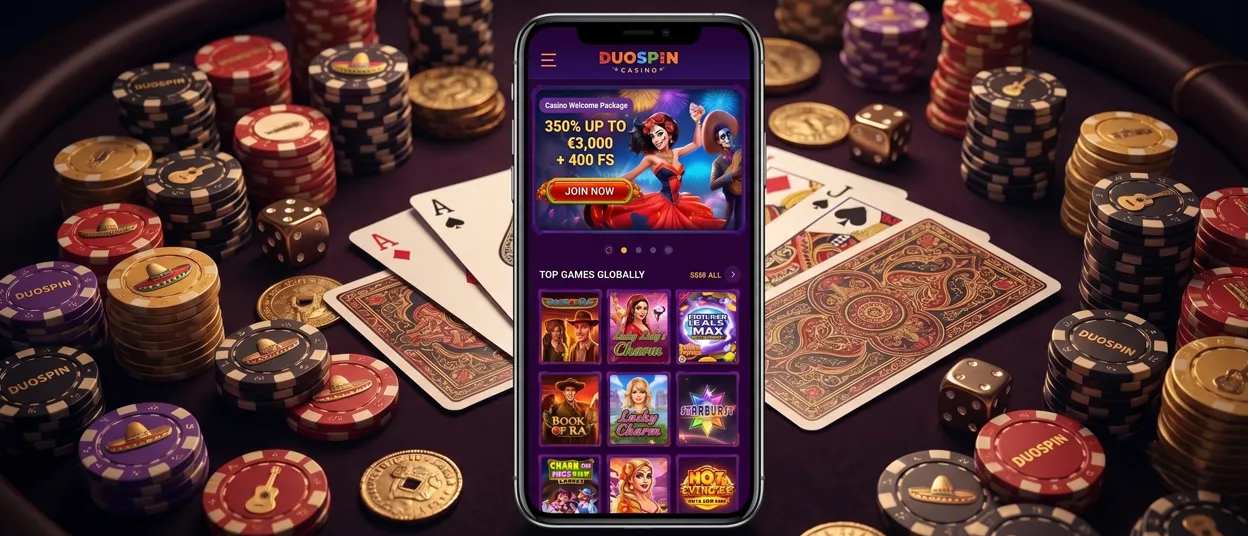
On an iPhone or iPad, the same result comes through Safari: open our website, tap the Share icon, then Add to Home Screen. The resulting icon opens the Duo Spin app in standalone mode, matching the Android experience feature for feature — same account, same balance, same catalog. Everything carries over, including:
- Slots across all themes and mechanics
- Live dealer tables
- Jackpot titles
- Gamification features: Bonus Crab, Challenges, and the Wheel of Fortune
DuoSpin Casino Application for Windows/macOS
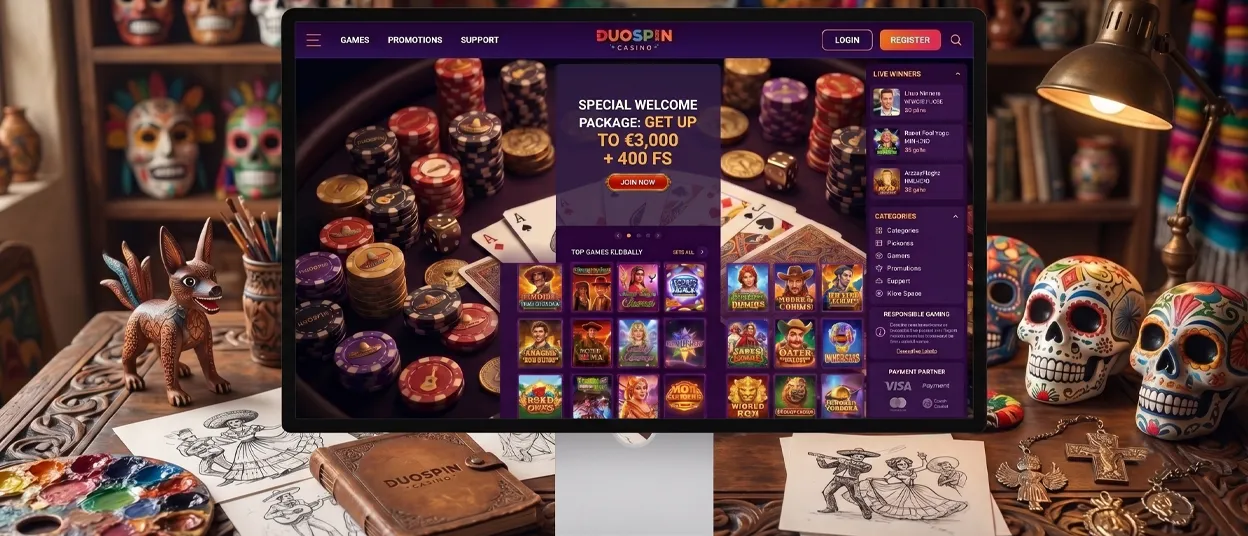
Chrome and Edge on Windows or macOS support the same PWA install — a small icon in our address bar (or an option in the browser menu) adds our casino to the desktop as a standalone window, separate from open browser tabs. Our desktop app draws from the same game catalog and account balance as mobile, so a jackpot session started on a laptop can continue later from a phone without losing position.
Getting the Most from Your Gaming Experience
Whichever device you use, we keep the mobile casino and desktop version aligned on features. Challenges, Tournaments, and the Shop stay reachable from the same menu regardless of screen size, and our interface adapts its spacing and touch targets for mobile without cutting any game categories.
Online slots, live dealer tables, and jackpot titles all carry over with full functionality — we hold nothing back for the app version. Account verification also works the same way across devices: our verification process asks for the same documents whether it’s started on a phone or a desktop, and progress picks up wherever it was left off.
Our support stays just as consistent. The Duo Spin Support Team answers through live chat or email from any device, so a question that comes up mid-session on mobile gets the same response as one raised from a desktop browser.
FAQ
Does the DuoSpin app work on tablets, or only phones?
Yes. The PWA adapts to any screen size, so tablets get the same layout logic as phones — larger touch targets and full access to Live Casino and Jackpots, just scaled to the display.
What happens if I clear my browser cache after installing the app?
The Duo Spin icon stays functional on your home screen even after you clear the browser cache — it runs as its own standalone shortcut, not as a saved browser tab.
Do I need a strong internet connection to use the app smoothly?
No high-speed line required. Game assets load progressively through the PWA, and both slots and live tables run fine over a regular mobile data or Wi-Fi connection.


